

From Script to Post: The Best AI Tools for Creators
In today’s creator economy, success is increasingly defined by the ability to produce high-quality content quickly—and consistently. AI tools are now at the heart of this transformation, helping creators repurpose, schedule, and publish content across multiple platforms without burnout.
Whether you’re a solo content creator, a small team, or a marketing pro, this list covers five AI tools for creators that you should know in 2025. Each serves a different purpose—but one thing they all offer is the power to create more with less.
1. Short AI
Overview:
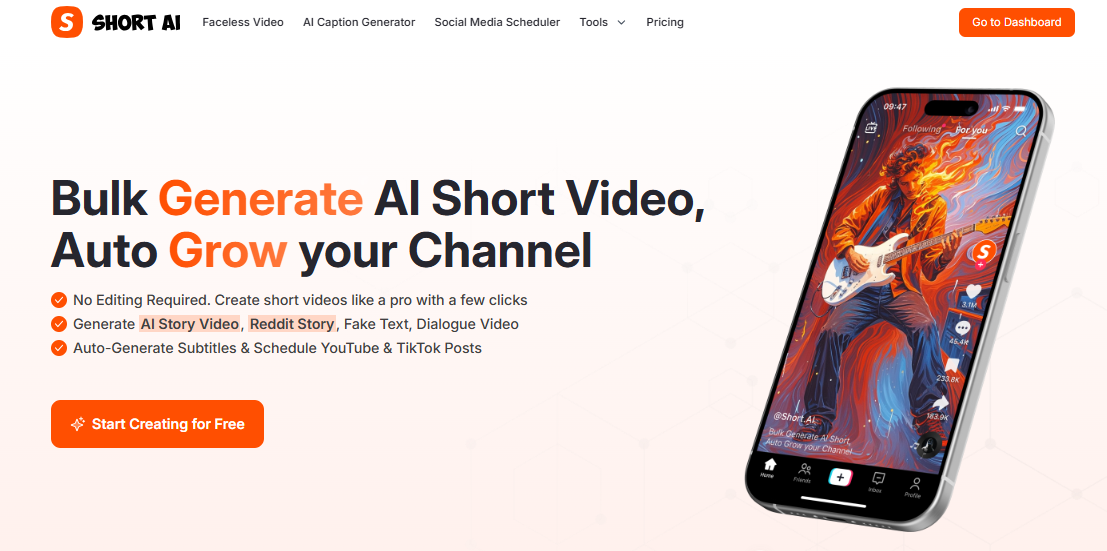
Short AI is a dynamic video automation tool designed for creators who want to turn long-form or written content into scroll-stopping short videos. Whether it’s a Reddit post, a YouTube video, or just an idea, Short AI transforms it into a polished, faceless video with subtitles, voiceovers, and stock visuals.
But what makes it especially relevant for social-first creators is its built-in Social Media Scheduler, allowing for seamless publishing across YouTube Shorts, TikTok, and Instagram Reels. You create and distribute—all from one dashboard.
Features:
- AI Script-to-Video Engine: Turn links, prompts, or ideas into ready-to-share short videos.
- Auto Clip Generator: Convert long videos into multiple viral-ready short clips.
- Faceless Video Templates: Choose from formats like fake texts, stories, and chat dialogues.
- Multilingual Voiceovers: Voice and subtitle translation in one click.
- Social Media Scheduler: Automate posting with calendar scheduling, time-zone controls, and multi-platform publishing support.
2. Later
Overview:
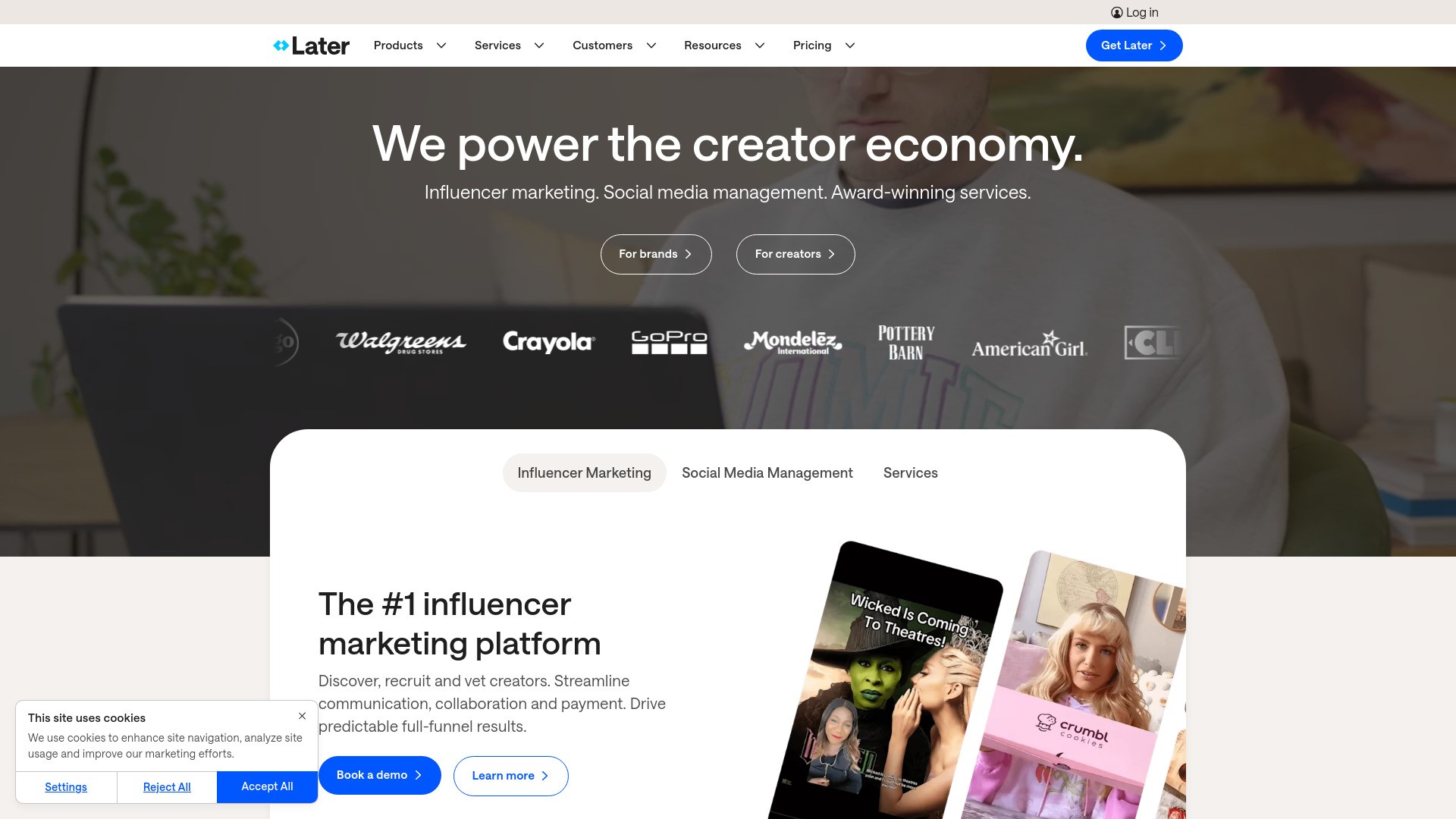
Later began as a visible Instagram planner however has evolved into a entire social media management platform. while it doesn’t immediately offer video creation, it focuses heavily on content organisation, scheduling, and link-in-bio tools—making it a favorite among social media managers.
It’s particularly strong for making campaign plans campaigns and studying what works across systems like Pinterest, Instagram, TikTok, and LinkedIn.
Features:
- Content Calendar: Drag-and-drop scheduler to visually plan content.
- Hashtag Suggestions & Caption Storage: Speed up your posting process.
- bio: Create mini landing pages tied to your social media content.
- Analytics Dashboard: Track engagement and identify top-performing content.
- No Built-in Video Creation: You’ll need to create video content elsewhere.
3. BIGVU
Overview:
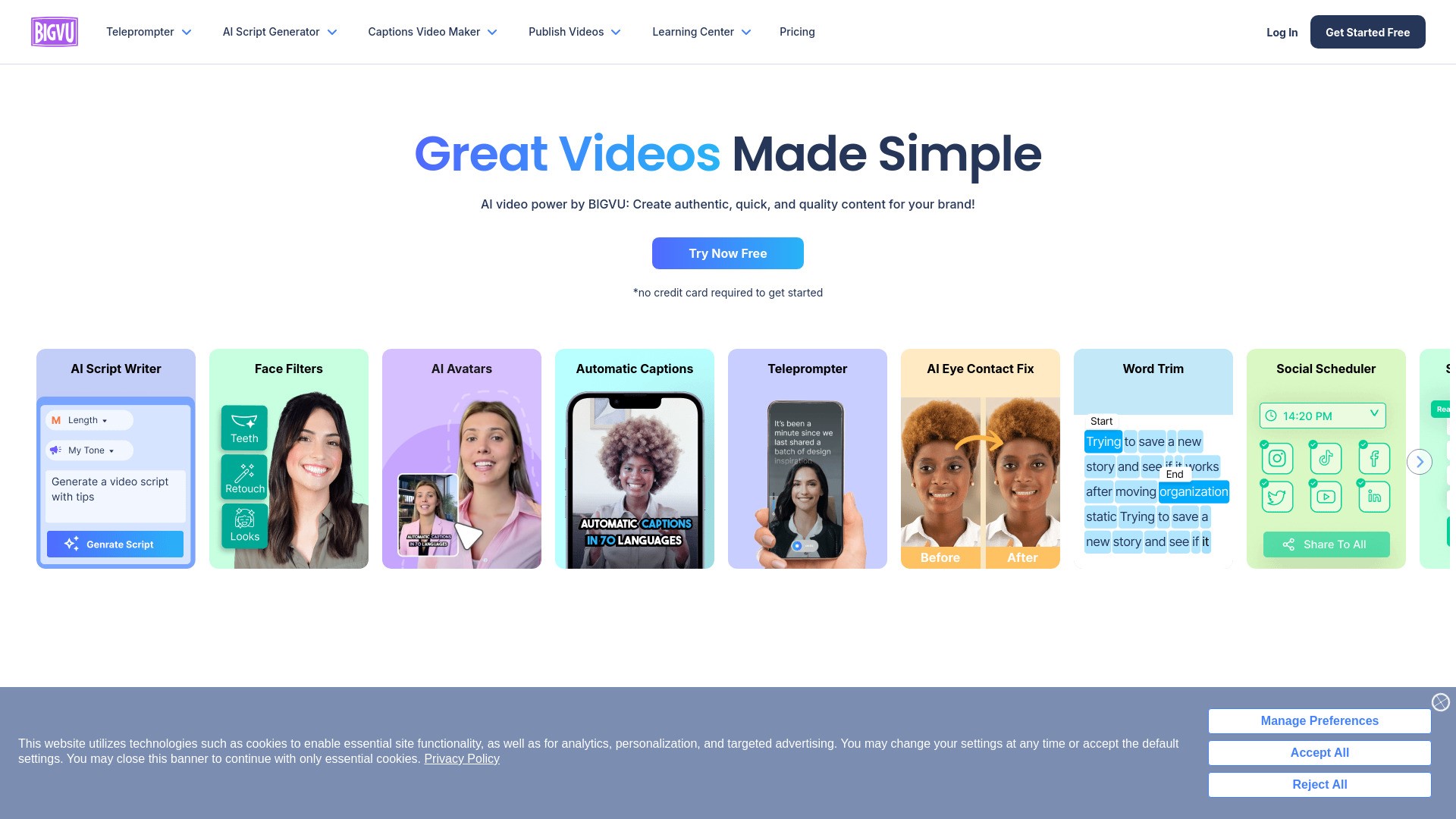
BIGVU is known for its teleprompter feature, making it a go-to tool for on-camera creators, educators, and business professionals. Its AI voice and text tools help polish your script while the app ensures you stay on cue and present confidently.
Although it doesn’t focus on faceless video content, BIGVU is ideal for creators who want to appear on screen but still want AI help in the process.
Features:
- Teleprompter Recording App: Read scripts while looking into the camera.
- AI Script Assistant: Turn bullet points into full video scripts.
- Auto-Captions & Branding Tools: Add logo, subtitles, and animations.
- Voiceover & Music Integration: Enhance storytelling with sound design.
- Manual Social Posting: Schedule content externally using other platforms.
4. Quso AI
Overview:
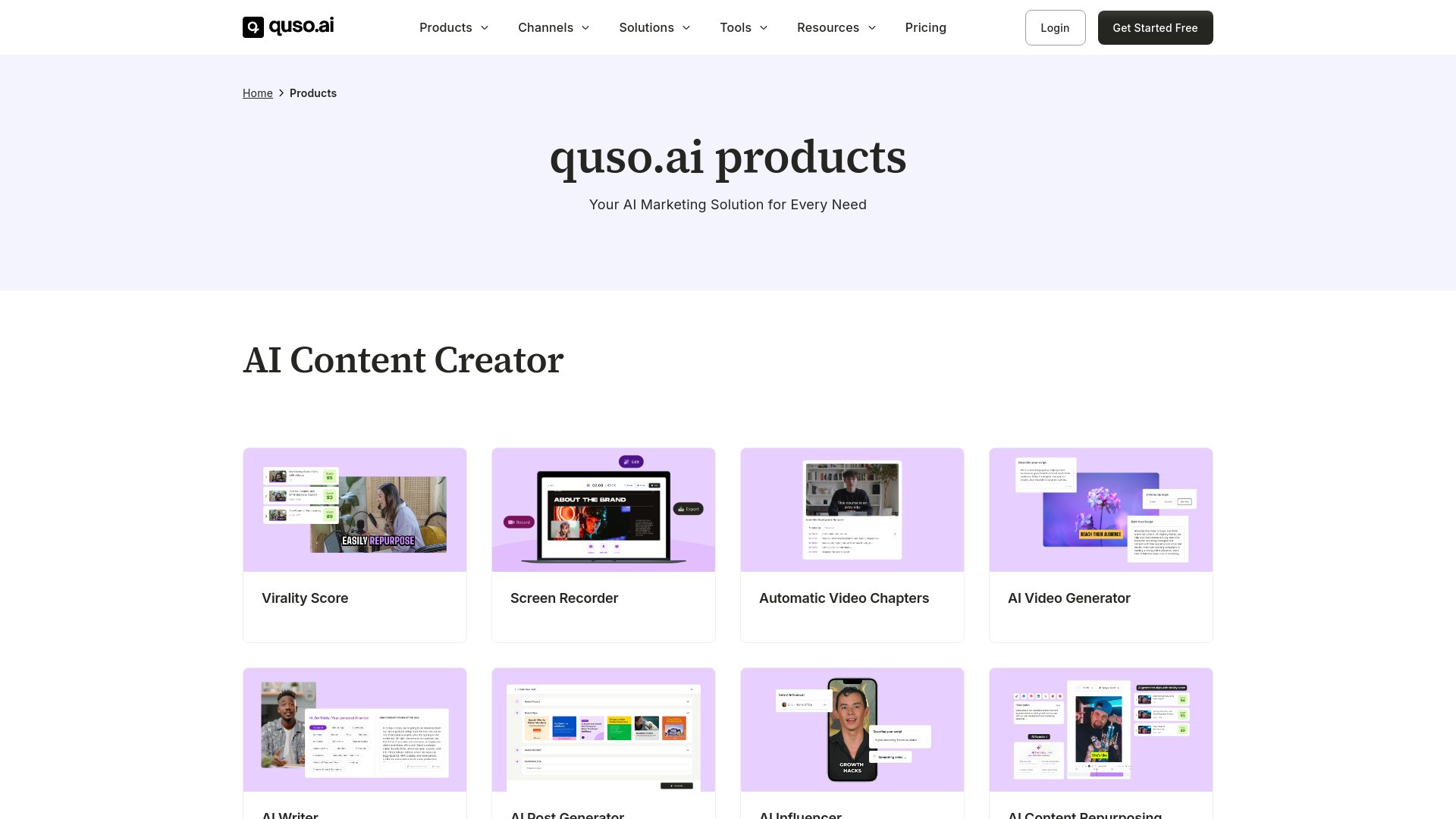
Quso AI is a narrative-focused tool that makes short-form video scripting effortless. Its strength lies in how it analyzes a topic and builds an engaging storyline, complete with structure, emotional tone, and visual direction.
This tool is great for educational creators or anyone looking to scale short-form storytelling but still requires a separate editor for video generation or scheduling.
Features:
- Script Generator: Input a topic or keyword and receive a full structured script.
- Template Storylines: Use pre-built frameworks like “hook-problem-solution” or “listicle-style.”
- Idea Bank: AI suggests new angles and content ideas.
- Visual Prompts: Generate cues for editors to follow.
- No Direct Video or Scheduling Functionality: More of a script ideation tool.
5. Opus Clip
Overview:
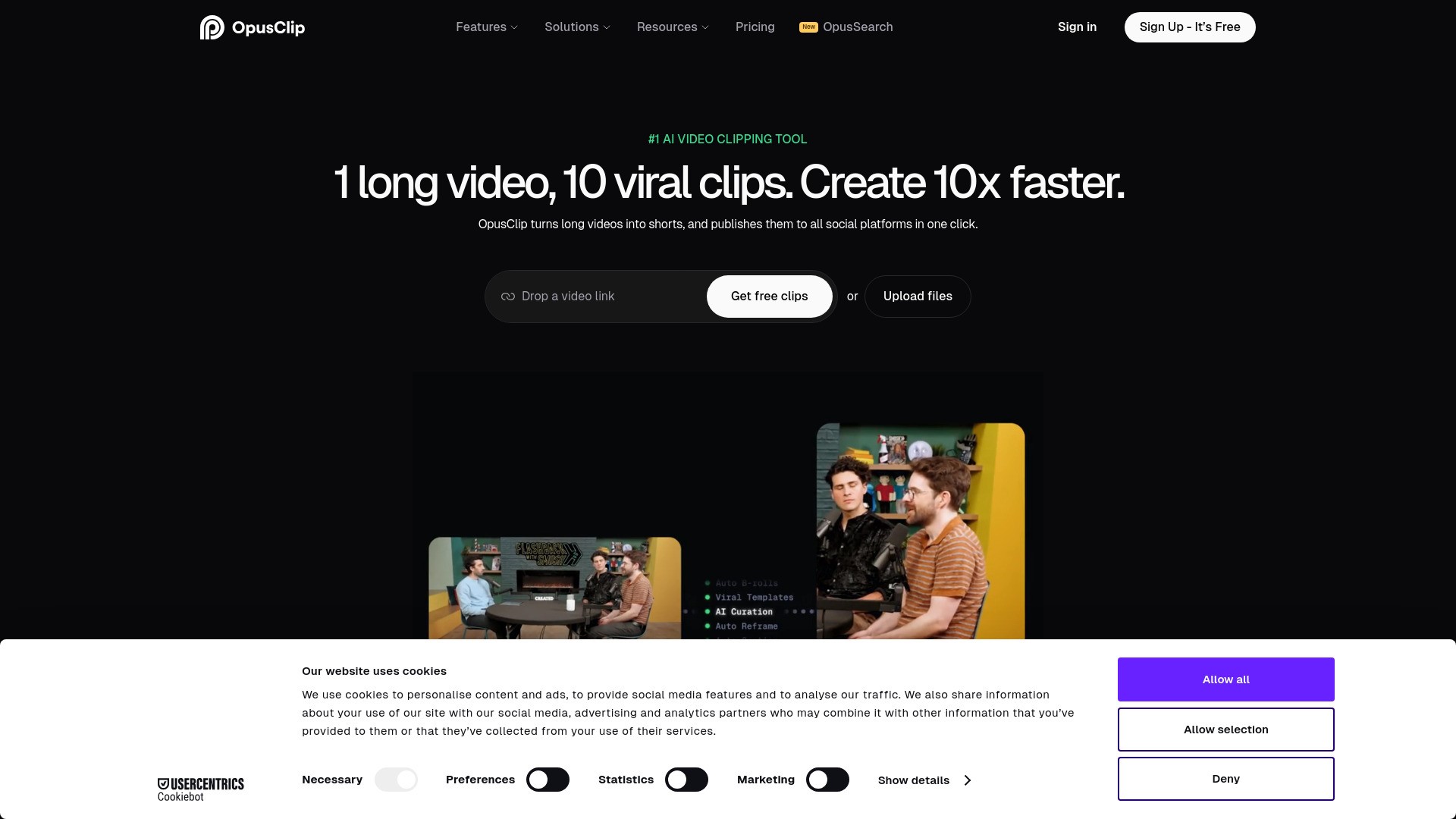
Opus Clip has made waves for its ability to break long-form video into multiple high-performing clips, complete with automated subtitles and a virality score. It’s tailored toward YouTubers, podcasters, and livestreamers who want to repurpose existing content efficiently.
While powerful in cutting long videos, Opus does not include scripting or posting automation features, making it best as a content enhancer in a larger workflow.
Features:
- AI Clip Detection: Identify and extract viral moments from long videos.
- Virality Score™: Each clip is ranked based on its likelihood to go viral.
- Auto-Subtitles and Emojis: Add stylized captions and visual reactions.
- Vertical Optimization: Auto-crops for mobile-first formats like Reels or Shorts.
- No Social Media Scheduler: Requires separate publishing tools.
